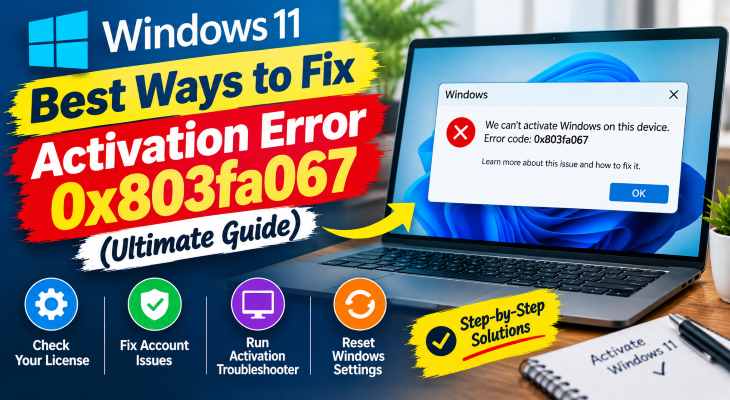
Facing unexpected licensing issues after changing hardware or upgrading your operating system can be incredibly frustrating. If you have been searching for an effective method to fix windows 11 activation error 0x803fa067, you are in the right place. This specific error code typically appears when Windows fails to verify your digital license, often triggered by a recent major hardware change (such as replacing a motherboard or CPU) or a mismatch between your edition of Windows Home and Pro.
In this comprehensive guide, we will walk you through the top troubleshooting steps to resolve the 0x803fa067 activation error on your Windows 11 computer and get your system fully licensed.
Table of Contents
What Causes Windows 11 Activation Error 0x803fa067?
Before applying the fixes, understanding why this happens helps:
Major Hardware Upgrades: Changing core computer components like your motherboard breaks the digital license link.
Edition Mismatch: Upgrading from Windows 11 Home to Pro using a generic product key without proper digital authorization.
Microsoft Account Disconnection: Temporary server sync failures with your linked Microsoft account.
Top Methods to Fix Windows 11 Activation Error 0x803fa067
Method 1: Run the Activation Troubleshooter
Windows includes a built-in troubleshooter designed specifically to handle license mismatches after hardware changes:
Open Windows Settings (press
Win + I).Navigate to System > Activation.
Click on Troubleshoot (Note: You must be logged in as an Administrator).
Select the option “I changed hardware on this device recently” if applicable, sign in with your Microsoft account, and select your current device.
Method 2: Use the Default Product Key for Edition Upgrades
If you upgraded from Windows 11 Home to Pro and encountered this error:
Disconnect your internet connection temporarily (turn off Wi-Fi or unplug the Ethernet cable).
Go to Settings > System > Activation > Change product key.
Enter the default generic Windows 11 Pro key provided by Microsoft to switch editions, then link your digital retail license.
Method 3: Contact Microsoft Support
If digital tokens fail to sync properly through automated servers:
Open the Get Help app or visit the official Microsoft Support portal.
Request assistance from a support agent to re-validate your digital product key tied to your Microsoft account.
- If you’re also experiencing other Windows 10 or 11How to Fix Windows 11 CBS Log File Corruption (Ultimate Guide)
Frequently Asked Questions (FAQs)
Q: Can I fix error 0x803fa067 without buying a new key?
A: Yes, if your license was previously linked to your Microsoft account or if it’s a digital retail license affected by a recent hardware change, running the activation troubleshooter usually resolves it.
Q: Why does this error occur after a motherboard change?
A: Windows ties your digital license to your motherboard hardware ID. Changing it makes the operating system treat your PC as a brand-new device.
Conclusion
Keeping your operating system properly licensed ensures uninterrupted security updates and feature rollouts. By mastering these techniques to fix windows 11 activation error 0x803fa067, you can restore your system license without unnecessary expenses.
Important Note:
Always maintain regular system backups and ensure your digital licenses are securely tied to your primary Microsoft account to avoid sudden verification roadblocks.
Final Thoughts on System Licensing and Maintenance
To wrap it up, maintaining a fully licensed and optimized operating system is crucial for seamless daily operations. By proactively using built-in troubleshooting tools and keeping your account synced, you protect your valuable data against unexpected licensing disruptions and maintain maximum digital efficiency. Always keep regular backups of your important data before executing deep system modifications or key updates. Staying proactive with modern diagnostic tools guarantees long-term digital efficiency and peace of mind. windows 11 activation error 0x803fa067.