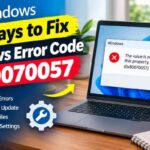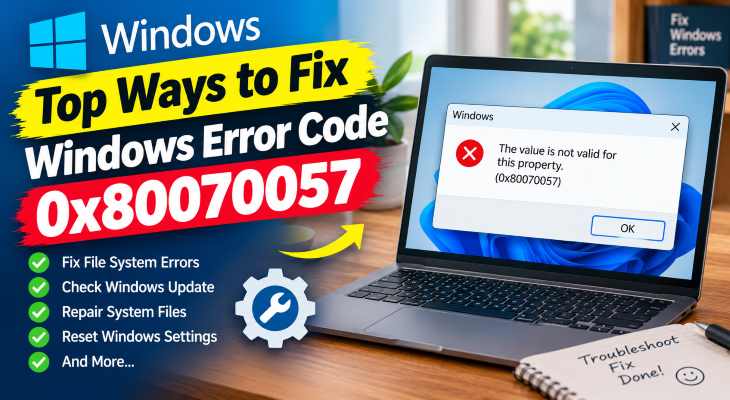
Encountering unexpected error codes during Windows updates or system backups can completely disrupt your routine maintenance tasks. When system parameters mismatch or registry entries become corrupted, Windows throws up a block. Knowing fix windows error code 0x80070057 solutions is essential for restoring seamless update and backup operations on your PC.
In this comprehensive guide, we will walk you through the top methods to resolve this frustrating error code on Windows 10 and 11.
Table of Contents
What Causes Error Code 0x80070057?
Before applying fixes, understanding the root causes helps:
Corrupted Windows Update Components: Glitches in temporary download cache files.
Incorrect Regional Decimal Formats: System date, time, or decimal separator settings misconfigured.
Damaged System Files: System file integrity errors blocking installations.
Top Ways to Fix Windows Error Code 0x80070057
Method 1: Adjust Decimal Separator Settings
Incorrect regional settings frequently trigger parameter errors during updates:
Open Control Panel and go to Clock and Region > Region.
Click on Additional settings.
Ensure that the Decimal symbol is set to a dot (
.) and not a comma (,). Click Apply and restart your PC.
Method 2: Rename the Software Distribution Folder
Clearing out stuck or corrupted update cache files resolves blockages:
Open Command Prompt as administrator (press
Win + S, typecmd, and select Run as administrator).Stop the update services by typing:
net stop wuauservand press Enter.net stop cryptSvcand press Enter.Rename the folder using:
ren C:\Windows\SoftwareDistribution SoftwareDistribution.oldRestart services with
net start wuauservand reboot your computer.- If you’re also experiencing other Windows or 11 Activation Problems, check our guide How to Fix Windows Device Manager Yellow Triangle Errol
Method 3: Run SFC and DISM Scans
Repairing core system file corruption clears out invalid parameter references:
Open Command Prompt as administrator.
Type
sfc /scannowand press Enter to scan system files.Once complete, type
DISM /Online /Cleanup-Image /RestoreHealthand press Enter, then restart.

Method 4: Modify Windows Registry (For Backup Errors)
If the error occurs during system backups:
Press
Win + R, typeregedit, and press Enter.Navigate to:
HKEY_LOCAL_MACHINE\SOFTWARE\Policies\Microsoft\SystemLook for
Copy FileBuffered IoEnabled, double-click it, and change its value data to1. (If it doesn’t exist, right-click, create a new DWORD, name it accordingly, and set value to 1).
Frequently Asked Questions (FAQs)
Q: Can a bad internet connection cause error 0x80070057?
A: Indirectly, yes. Interrupted download packets can corrupt update files inside the Software Distribution directory, leading to this specific parameter error.
Q: Is this error dangerous for my PC data?
A: No, it is generally a software or configuration glitch rather than a failing hard drive, though running a disk check is always a safe precaution.
“Ensuring that system update components and regional decimal settings are properly configured prevents unexpected installation failures and keeps your operating system running efficiently without interruption.”
Conclusion
Encountering system update roadblocks can be stressful, but mastering fix windows error code 0x80070057 techniques allows you to restore normal functionality rapidly. By tweaking regional settings, clearing update caches, and repairing system files, your system will process updates cleanly. For additional support, visit Microsoft Support.